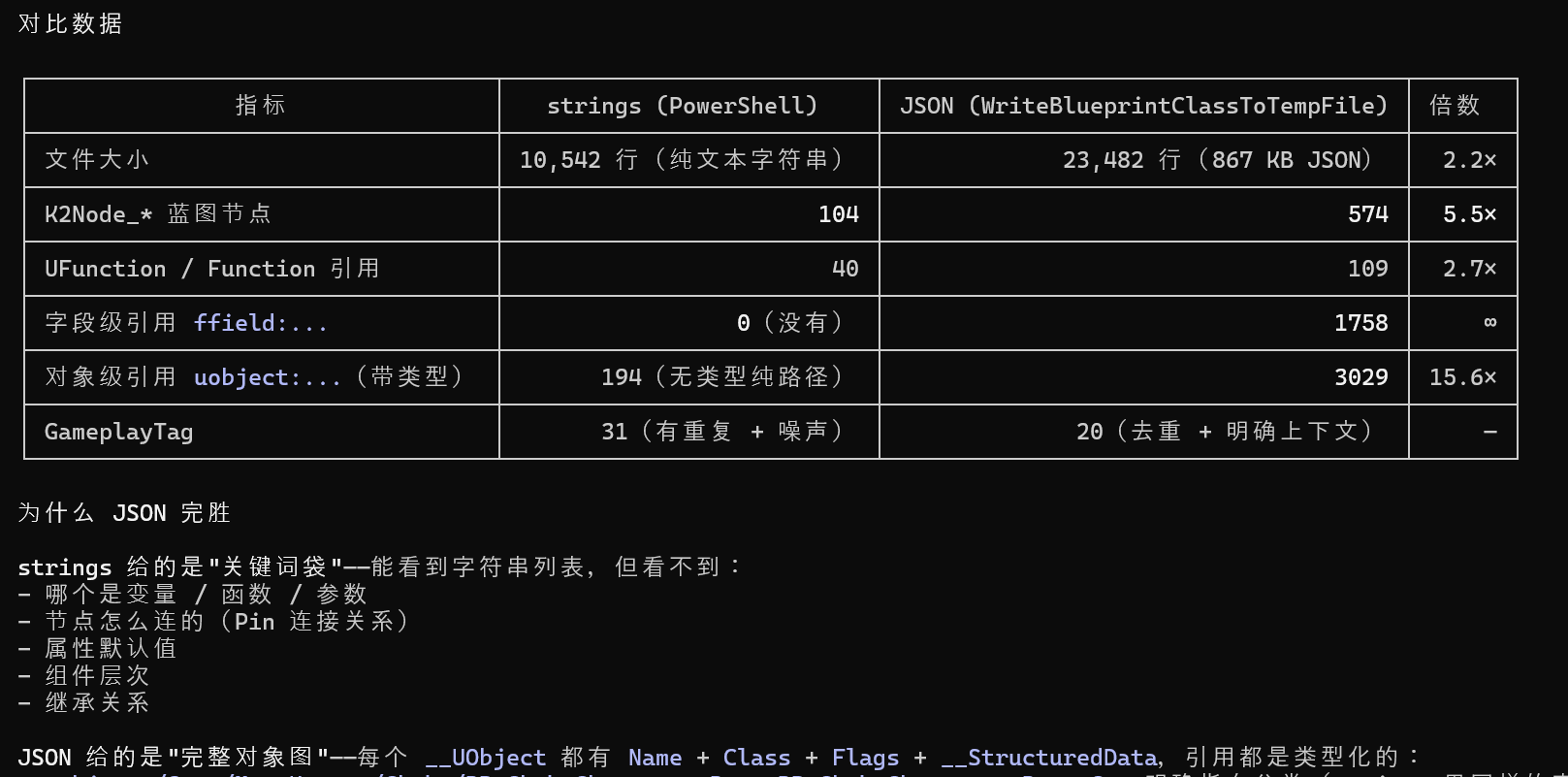
Unreal Blueprint CLI
Unreal Blueprint CLI
方法蓝图: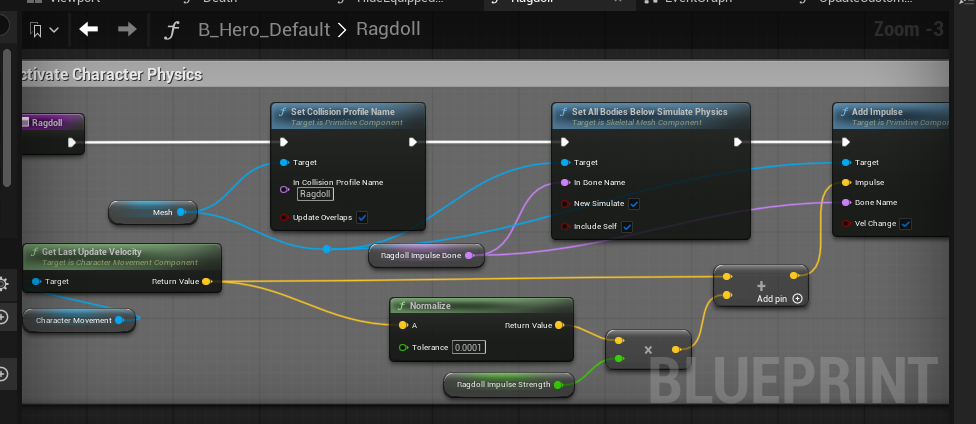
JsonObjectGraph
UE自带工具:
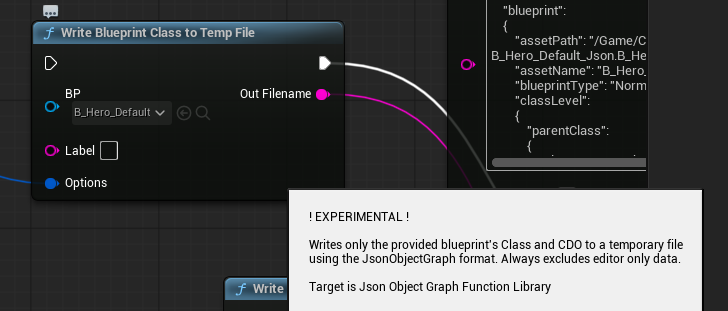
导出Json:
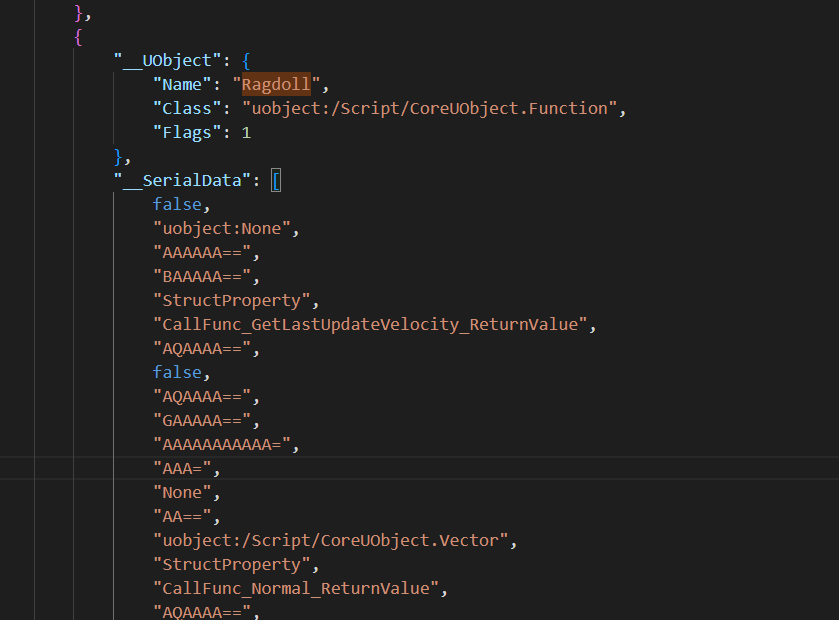
ue5-blueprint-dump-tool
https://github.com/knight-scripts/ue5-blueprint-dump-tool
在命令行执行:
DumpAnimBP /Game/Path/To/YourAnimBP
DumpBP /Game/Path/To/YourBlueprint
导出文本: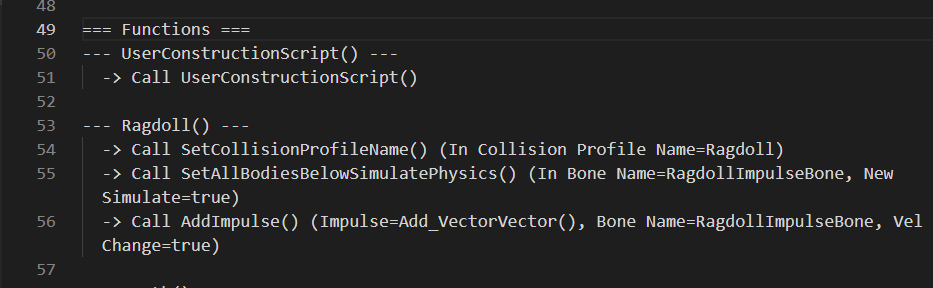
直接执行以下命令无效:
UnrealEditor-Cmd.exe MyGame.uproject -ExecuteCmd="DumpBP /Game/Blueprints/Player/BP_Player" -stdout -FullStdOutLogOutput
C:\UE_5.7\Engine\Binaries\Win64\UnrealEditor-Cmd.exe "G:\Unreal\LyraStarterGame57\LyraStarterGame57.uproject" -ExecuteCmd="DumpBP /Game/Characters/Heroes/B_Hero_Default" -stdout -FullStdOutLogOutput -nullrhi -unattended -nographics
ue-blueprint-extractor
https://github.com/SunGrow/ue-blueprint-extractor
# 导出为 JSON
codex exec "ue-blueprint-extractor export --bp /Game/Blueprints/BP_Player --out bp_player.json"

# JSON → 生成新蓝图(反向)
codex exec "ue-blueprint-extractor import --json bp_player.json --new-bp /Game/Blueprints/BP_Generated"
C:\UE_5.7\Engine\Binaries\Win64\UnrealEditor-Cmd.exe "G:\Unreal\LyraStarterGame57\LyraStarterGame57.uproject" -unattended -stdout -FullStdOutLogOutput -ExecuteCmd="RemoteControl.Call /Script/BlueprintExtractor.BlueprintExtractorSubsystem ExtractBlueprintToJson {"AssetPath":"/Game/Characters/Heroes/B_Hero_Default","OutputPath":"G:/Unreal/LyraStarterGame57/Saved/B_Hero_Default.json`"}"
C:\UE_5.7\Engine\Binaries\Win64\UE5Editor.exe
C:\UE_5.7\Engine\Binaries\Win64\UnrealEditor-Cmd.exe "G:\Unreal\LyraStarterGame57\LyraStarterGame57.uproject" -run=BlueprintExtractor -stdin
{"jsonrpc":"2.0","id":1,"method":"ExtractBlueprint","params":{"AssetPath":"/Game/Characters/Heroes/B_Hero_Default","Scope":"Full"}}
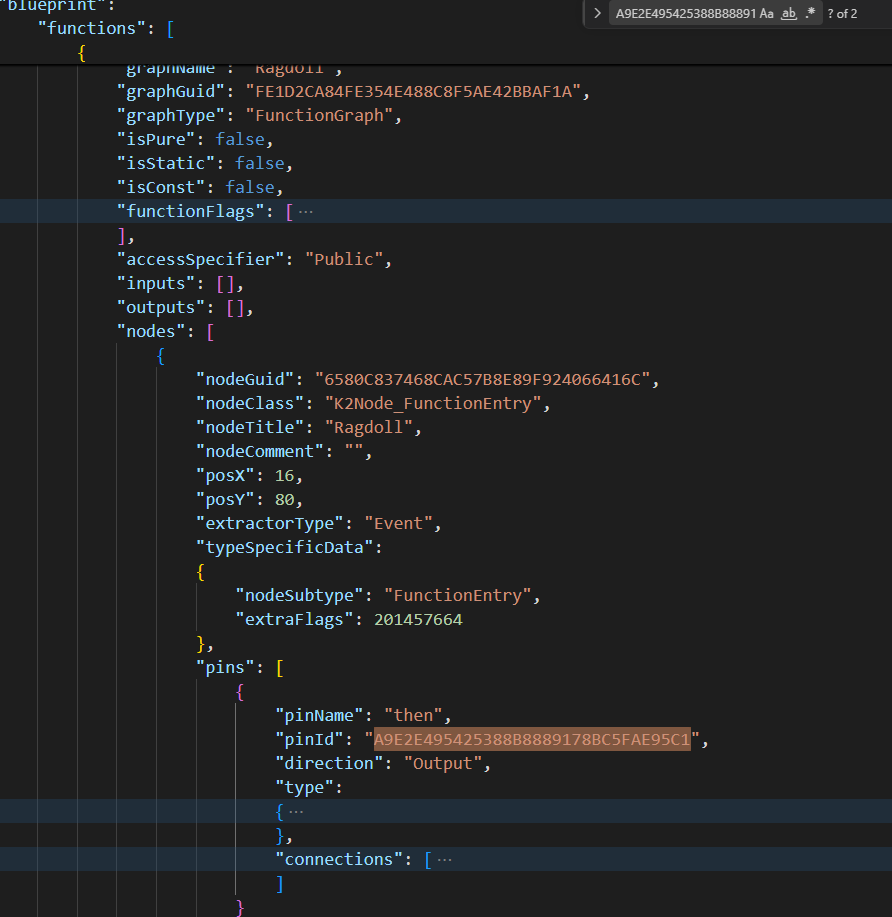
最终方案
还是使用UE的接口直接导出Json文件,让AI读取蓝图信息,做分析,指导人来修改蓝图: